
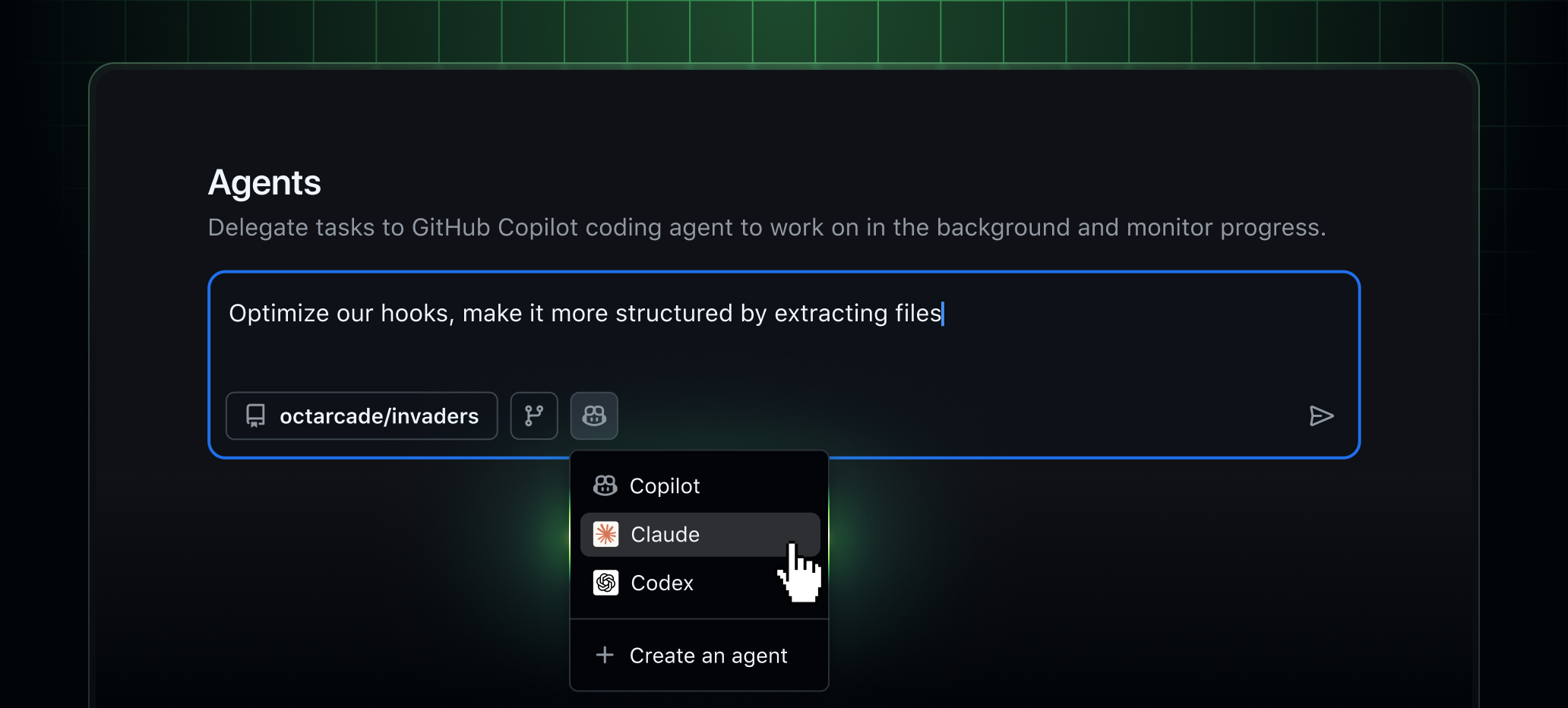
Claude by Anthropic and OpenAI Codex are now available as coding agents for Copilot Business and Copilot Pro customers. Copilot Enterprise and Pro+ customers received access earlier this month, and today we’re expanding availability to more teams.
You can run Claude, Codex, and Copilot directly inside github.com, GitHub Mobile, and VS Code, all within your existing GitHub workflows.
Whether you’re reviewing code on the web, triaging issues on your phone, or iterating in the editor, you can stay within GitHub and use the same agents across surfaces with shared history and context.
No additional subscriptions are required.
Access to Claude and Codex is fully included with your existing Copilot subscription.
Each coding agent session consumes one premium request during public preview.
Claude, Codex, and Copilot run on a single shared platform inside GitHub with unified governance, shared context, and shared memory.
Agents operate with access to:
- Repository code and history
- Issues and pull requests
- Copilot Memory
- Repository instructions and policies
All activity runs within GitHub’s enterprise controls, with centralized enablement, policy management, and audit logging via the Agent Control Plane that is now generally available.
Copilot Pro
- Go to Copilot coding agent settings.
- Select which repositories agents can access.
- Toggle “Claude”, “Codex”, or both On.
Copilot Business
An admin must enable agents at both the enterprise and organization levels.
Enterprise level
- Go to Enterprise AI Controls → Agents.
- Under “Partner Agents”, enable Claude and/or Codex.
Organization level
- Go to Settings → Copilot → Coding agent.
- Under “Partner Agents”, enable Claude and/or Codex.
Start sessions on GitHub (web and mobile)
- Open the Agents tab in an enabled repository.
- Use the agents dropdown in the main header.
- On GitHub Mobile, open the “Agents” view or tap +.
Enter your request, choose an agent, and submit. Sessions run asynchronously, with live progress and detailed logs available for review.
Assign agents to issues and pull requests
- Assign an issue to Claude, Codex, Copilot, or multiple agents to compare approaches.
- Agents can open draft pull requests for review.
- Mention
@copilot,@claude, or@codexin pull request comments to request updates.
All agent output appears as draft, reviewable artifacts within your existing pull request workflow.
Use agents in VS Code
Requires VS Code 1.109 or later.
Open Agent sessions from the title bar or Command Palette, then choose:
- Local – Fast, interactive help.
- Cloud – Autonomous tasks running on GitHub.
- Background – Asynchronous local tasks (Copilot only).